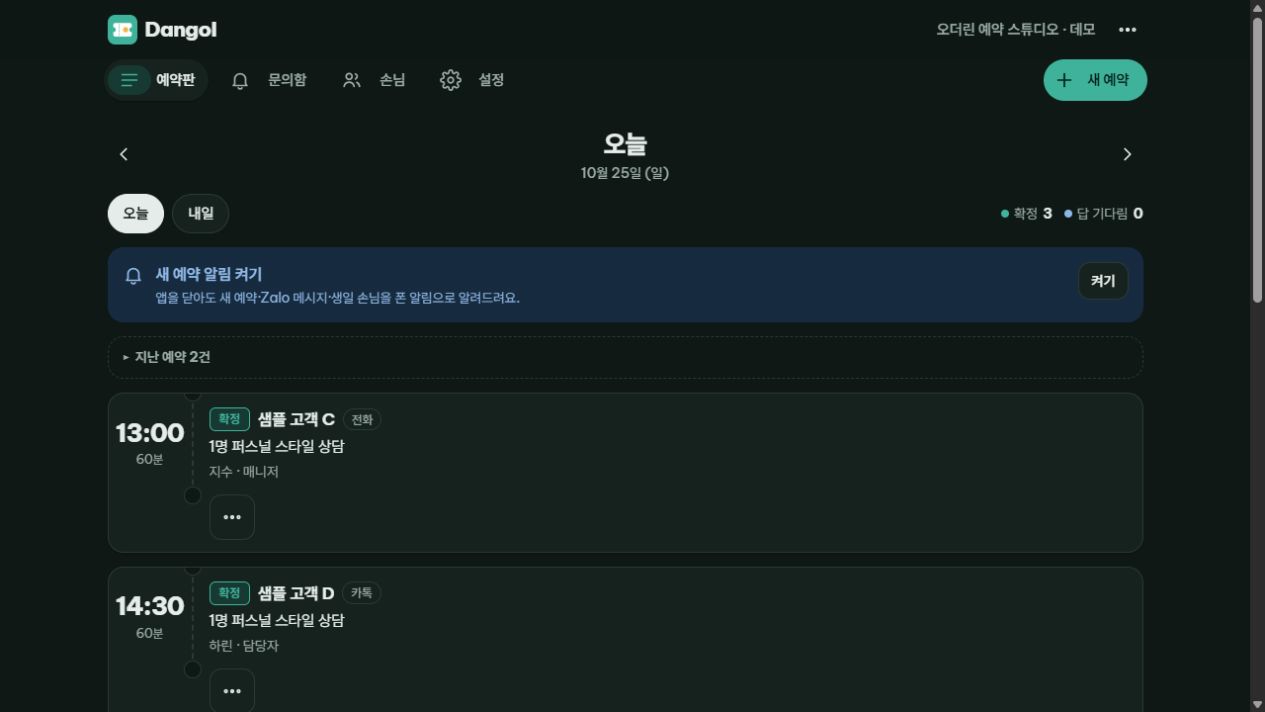
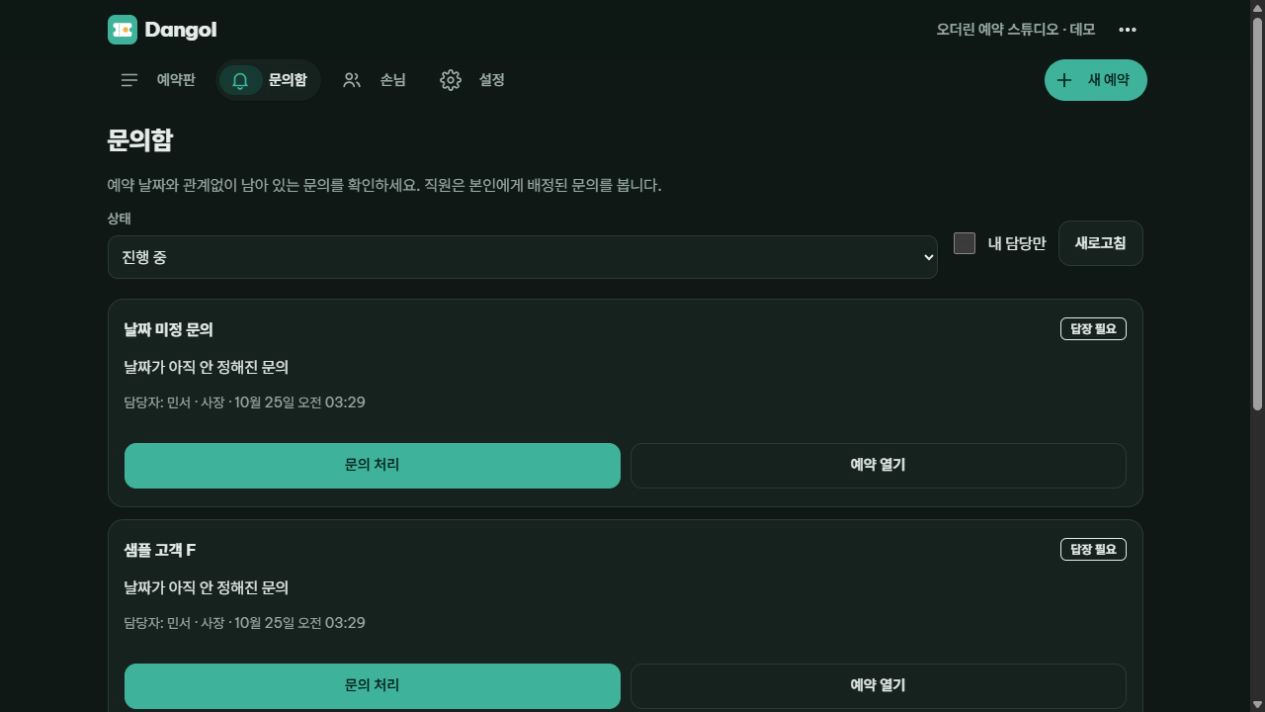
An inbox with ownership
Assign inquiries, due dates and customer tags so the next action stays visible.
Booking & store operations

DANGOL
A shared workspace for inquiries, bookings, customer records and daily close. Keep the front desk, team and store owner working from the same picture.
Web · PWA · Desktop & mobile
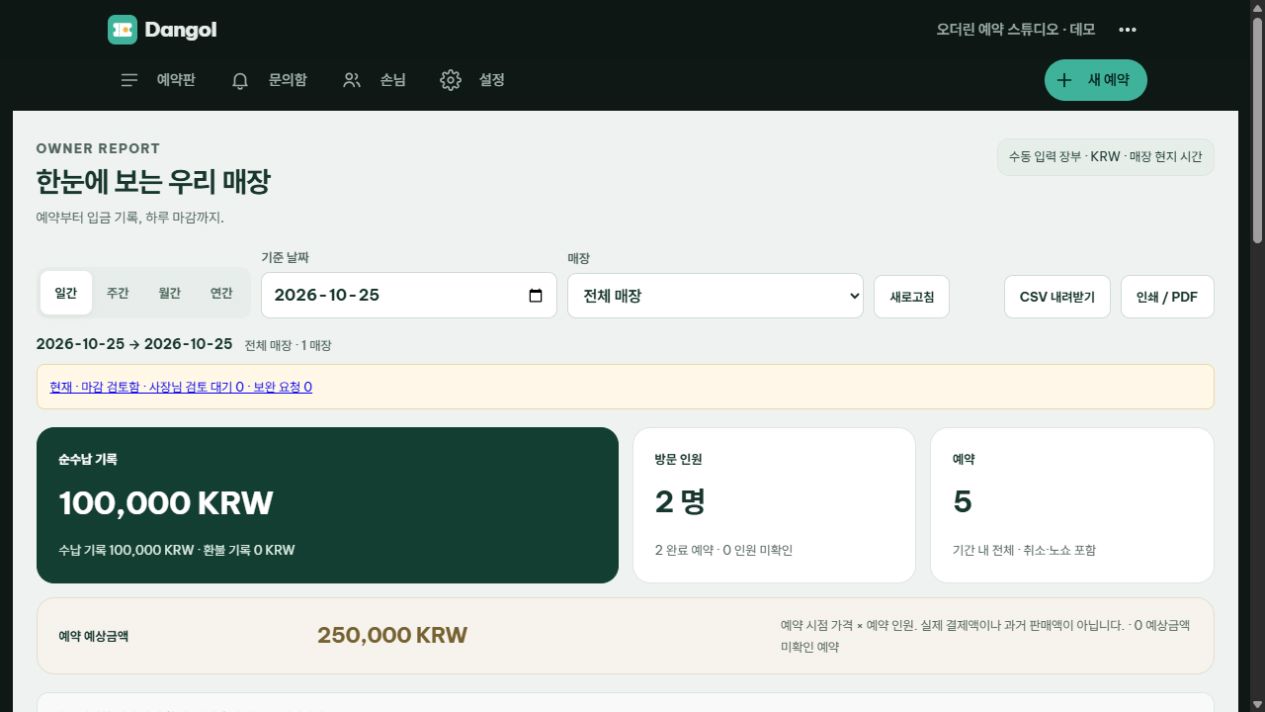
Web app · sample store and customers
Business owners in Ho Chi Minh City, Hanoi, Da Nang and Phu Quoc use JajaeOn and DANGOL in their daily work.
Read the customer story ↗DANGOL
A message, a time slot and a payment record are different things. DANGOL connects them while keeping responsibility, confirmation and approval clear.
Booking & store operations
Assign inquiries, due dates and customer tags so the next action stays visible.
Coordinate staff, resources and capacity. A public booking request remains an inquiry until staff confirm it.
Paste chat text, import a text file or review on-device OCR results. Staff check the draft before saving a booking.
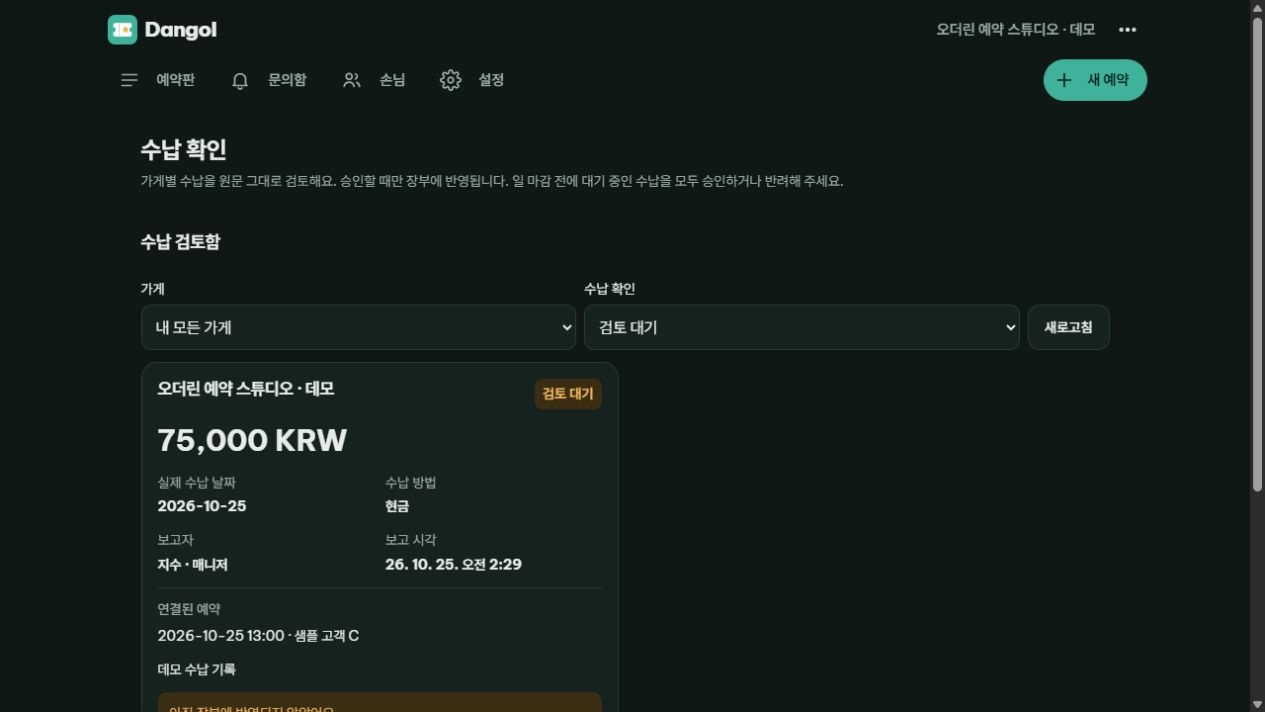
Keep booking status separate from receipts. Track approvals, refunds, tasks and daily close across stores with an audit trail.
Implementation
Review channels, staff roles, resources and current booking rules.
Walk through inquiry, confirmation, payment and daily close with sample data.
Set roles, languages and store settings for the agreed rollout.
DANGOL
No. The standard workflow uses pasted text, text files or OCR with staff review. AI or Zalo features depend on separate configuration.
It first becomes an inquiry. Staff review time, capacity and conditions before confirming the reservation.
Contact
Tell us about your team, your question or the way you work. We’ll find the right place to begin.
More from ODERYN