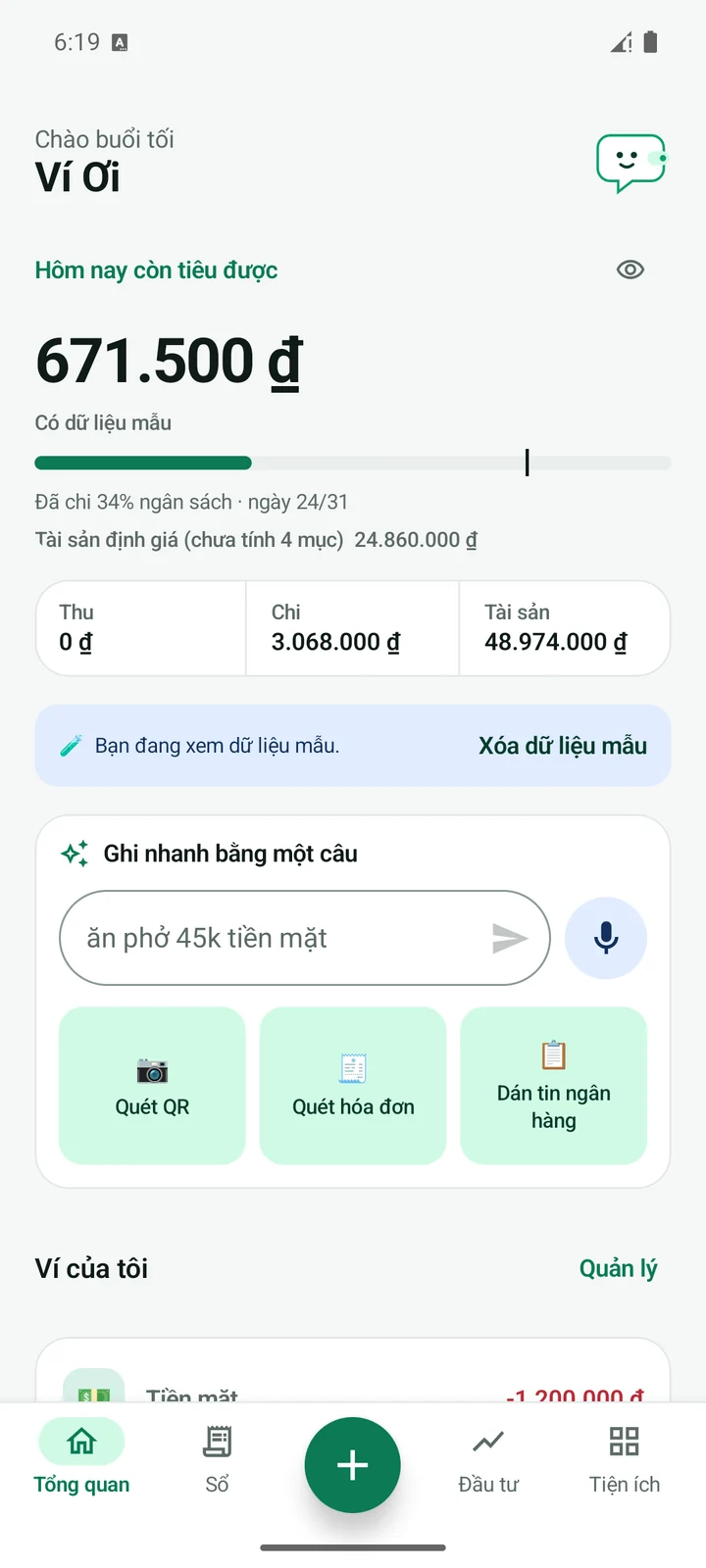
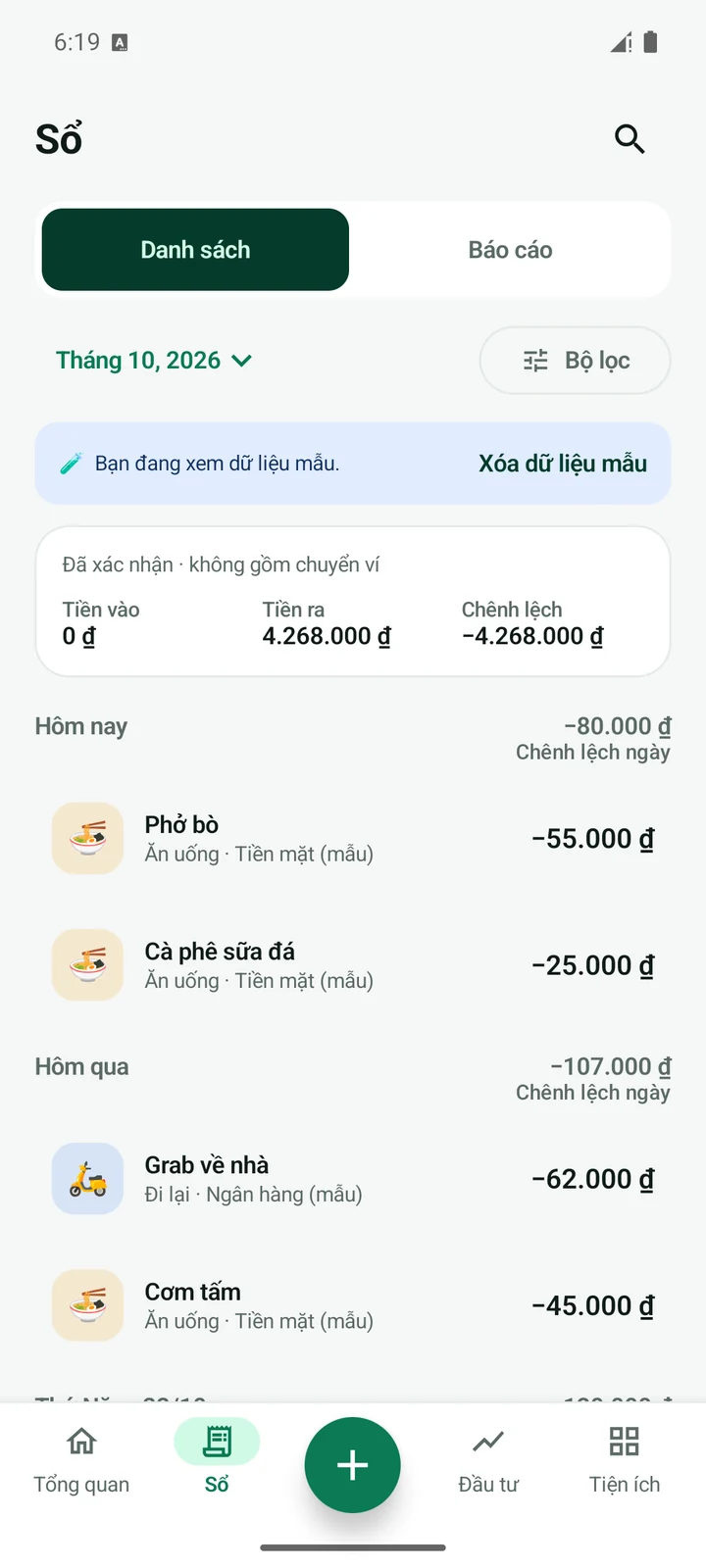
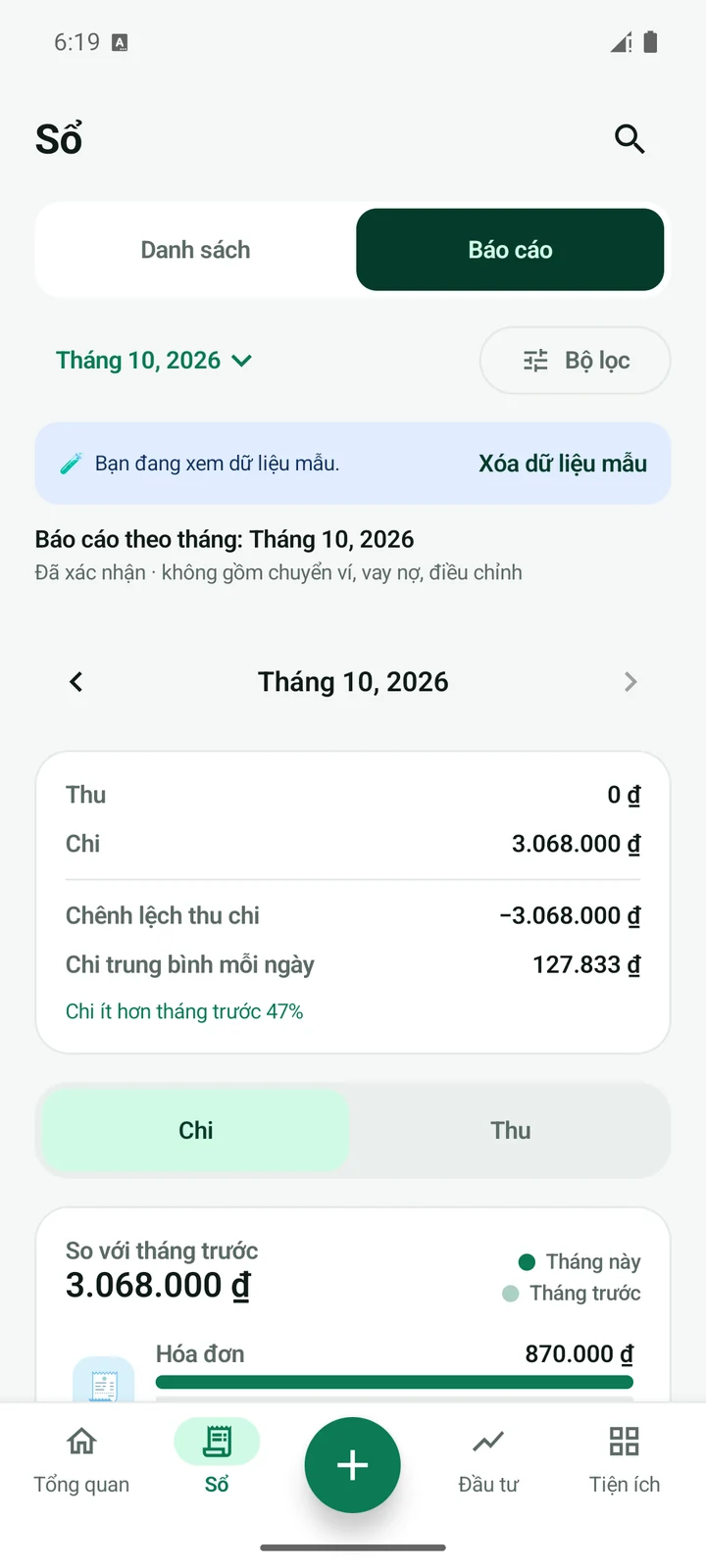
Today, at a glance
See available spending and your budget pace alongside wallet balances and recent transactions.
Personal finance

Ví Ơi
Bring your wallets, everyday spending and plans into one clear picture. A personal money companion that starts with the day in front of you.
Android · Local-first
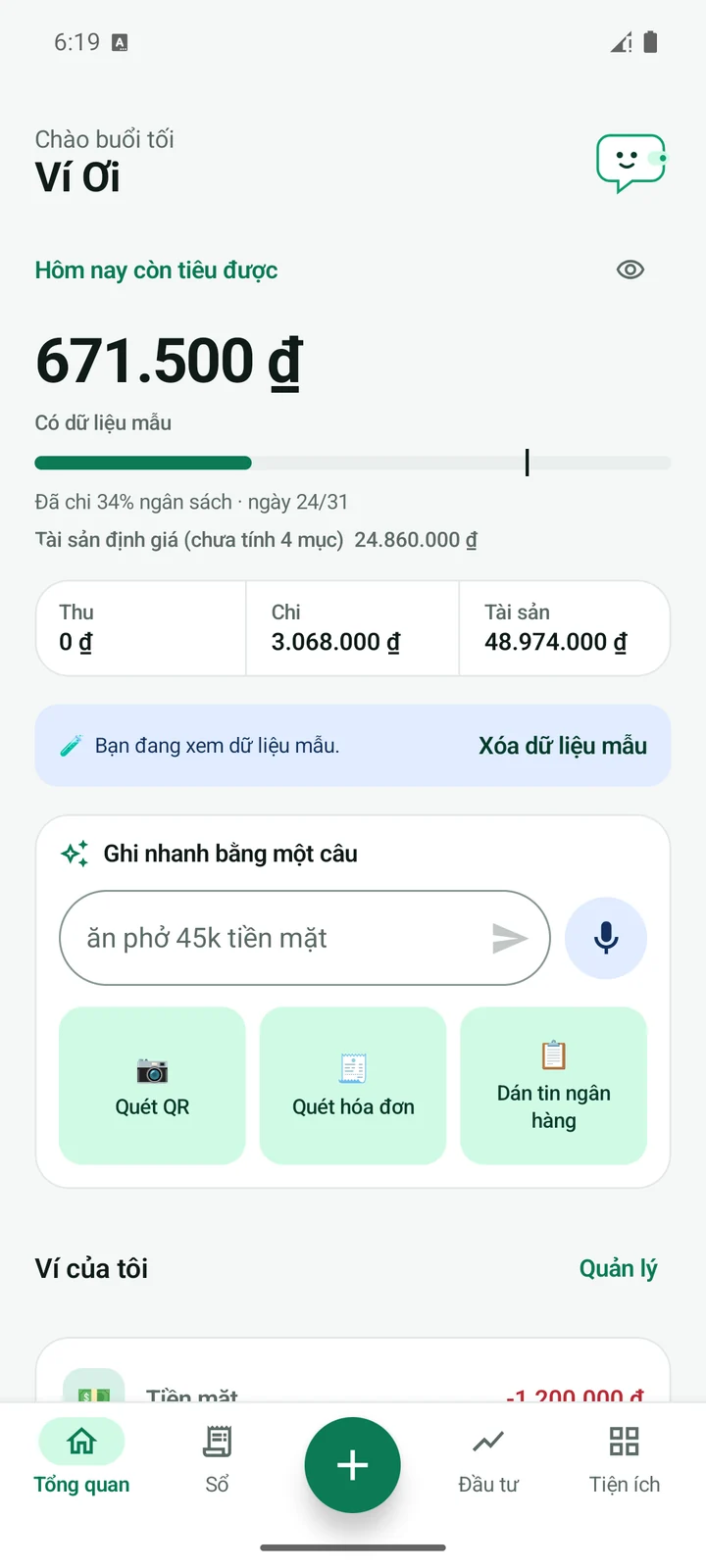
Actual Android v2 interface · sample ledger
Ví Ơi
Recording is only the beginning. Ví Ơi connects the money you have, the pace you spend and the goals you care about, with room to review every entry yourself.
Personal finance
See available spending and your budget pace alongside wallet balances and recent transactions.
Free receipt OCR and optional on-device voice input help draft entries. Supported bank notifications and SMS become items to review, not automatic bank sync.
Manage transfers, refunds, shared expenses, debts, recurring entries and savings goals without losing the larger picture.
Local storage, app lock, encrypted backups and CSV export support everyday control. Optional AI uses a key you choose to provide.
Getting started
Add your wallets and a budget that fits your life.
Enter a purchase or review a receipt draft before saving.
Review patterns, adjust a goal and plan the next month.
Ví Ơi · 00:19
The original v1.1 motion-graphics film, with English text. It uses sample amounts and the earlier interface; the current Android v2 screens are shown in the gallery above.
English titles & captions · original instrumental music
Open video ↗Ví Ơi
No. Supported Android notifications and SMS can create entries for your review. You decide which records to save.
CSV export and backup tools are available. Keep your backup password safe; storage and recovery choices are explained in the privacy notice.
Contact
Tell us about your team, your question or the way you work. We’ll find the right place to begin.
More from ODERYN